Device Details
Overview
| Name | Version: | SlideProg 1.0 |
| Author: | carlosbtlr |
| Device Type: | MIDI Transformation |
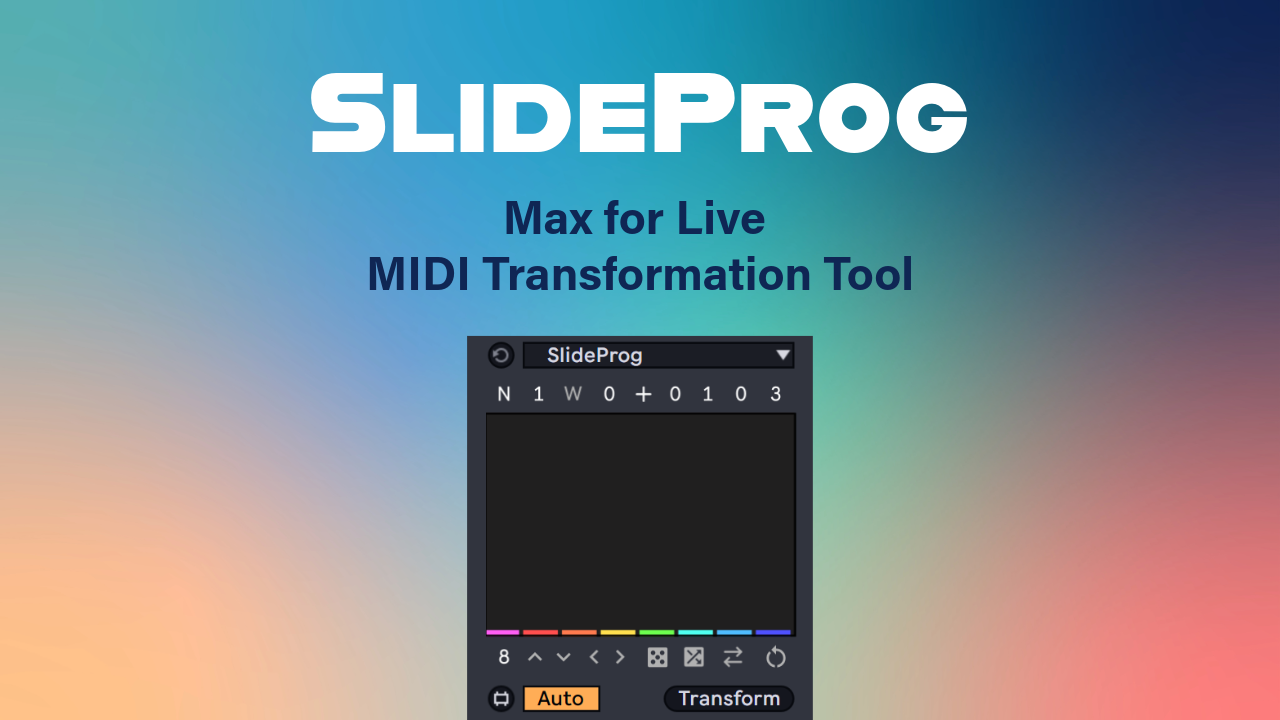
| Description: | SlideProg is a Max for Live MIDI transformation tool that lets you transform melodies into chord progressions or single notes into rich, expressive chords. Its intuitive multi-slider interface allows you to dial in the exact chord you're looking for from a vast collection spanning everything from simple triads to complex 13th chords. Create intricate, sophisticated chord progressions in a matter of seconds with precise control over every chord. Step Sliders UI Create chord progressions from your selected MIDI notes using the UI step sliders. Each step slider can target one or multiple notes, transforming them into any of the 372 available chords by simply dragging the slider up or down. Hold Alt/Option to reset individual sliders, Shift for finer adjustments, Ctrl/Cmd to transpose all slider values simultaneously, and Ctrl+Alt / Cmd+Option to lock individual step sliders so they remain unaffected by subsequent UI changes. Polyphony Polyphony determines both the number of unique chord voices and the number of extensions added to each chord. For example, Polyphony 3 includes the four primary triad types, while Polyphony 4 expands on these by adding the eight corresponding 7th chord types. This continues up to Polyphony 7, which provides 64 chord types with all the possible chord extensions added. Intervallic Systems The five polyphony tiers are available across three intervallic systems: tertial, quartal, and secundal, representing harmony built from intervals of thirds, fourths, and seconds, respectively. Together, these combinations provide a total of 372 unique chord types. Bass Degree Change the Chord Degree of the bass to generate different chords from the same base note. This lets you create as many distinct chords on a single note as the current polyphony setting allows, making it possible to harmonize a melody in a variety of ways. For example, with Polyphony 3, the note C can function as the tonic in C major, the third in A flat major, or the fifth in F major, giving you three different chord options from the same note. Chord Rotation Rotate the selected chord upward or downward. This control cycles the chord through its inversions by transposing the bass note up an octave or the highest note down an octave. Positive/Negative Harmony Each chord can be flipped into a mirror version of itself, allowing you to switch between positive and negative harmony on a per chord basis. Automatic Scale Awareness When scale awareness is enabled in Live, all the chord notes snap automatically to the nearest scale degree, making it possible to restrict your chord progressions to any selected scale. Note/Grid Modes Note mode will make each slider transform each MIDI note into the desired chord, whereas grid mode will make each slider transform a group of notes that fall within Live's grid interval into the selected chord. Use this to create parallel harmonies or planing. Custom Groups Dial in the number of consecutive notes that will be turned into the same chord type by a single slider. This can be used to create parallel harmonies as well. Transformation Offset Offset the starting point at which the transformation is applied. This can be used in combination with the Groups parameter to produce countless variations by shifting the slider to notes mapping across your selection. Wrap Mode This mode will make the transformation wrap across the selected notes when the number of notes is bigger than the number of sliders. Use this to have your transformation ripple across larger note selections. UI Controls Make even more variations with the number of sliders, global shifting, randomization, scrambling, reverse, flip and global rotation. Use these controls to try out new chord combinations. Minimum Requirements: Ableton Live 12 Max 9 |
Details
| Live Version Used: | 12.0.5 |
| Max Version Used: | 9 |
| Date Added: | Jul 09 2026 20:31:42 |
| Date Last Updated: | No Updates |
| Downloads: | 0 |
| Website: | https://ko-fi.com/s/02ce2d00ff |
| ⓘ License: | Commercial |
Average Rating
Log in to rate this device |
-n/a- |
Login to comment on this device.
Browse the full library