Device Details
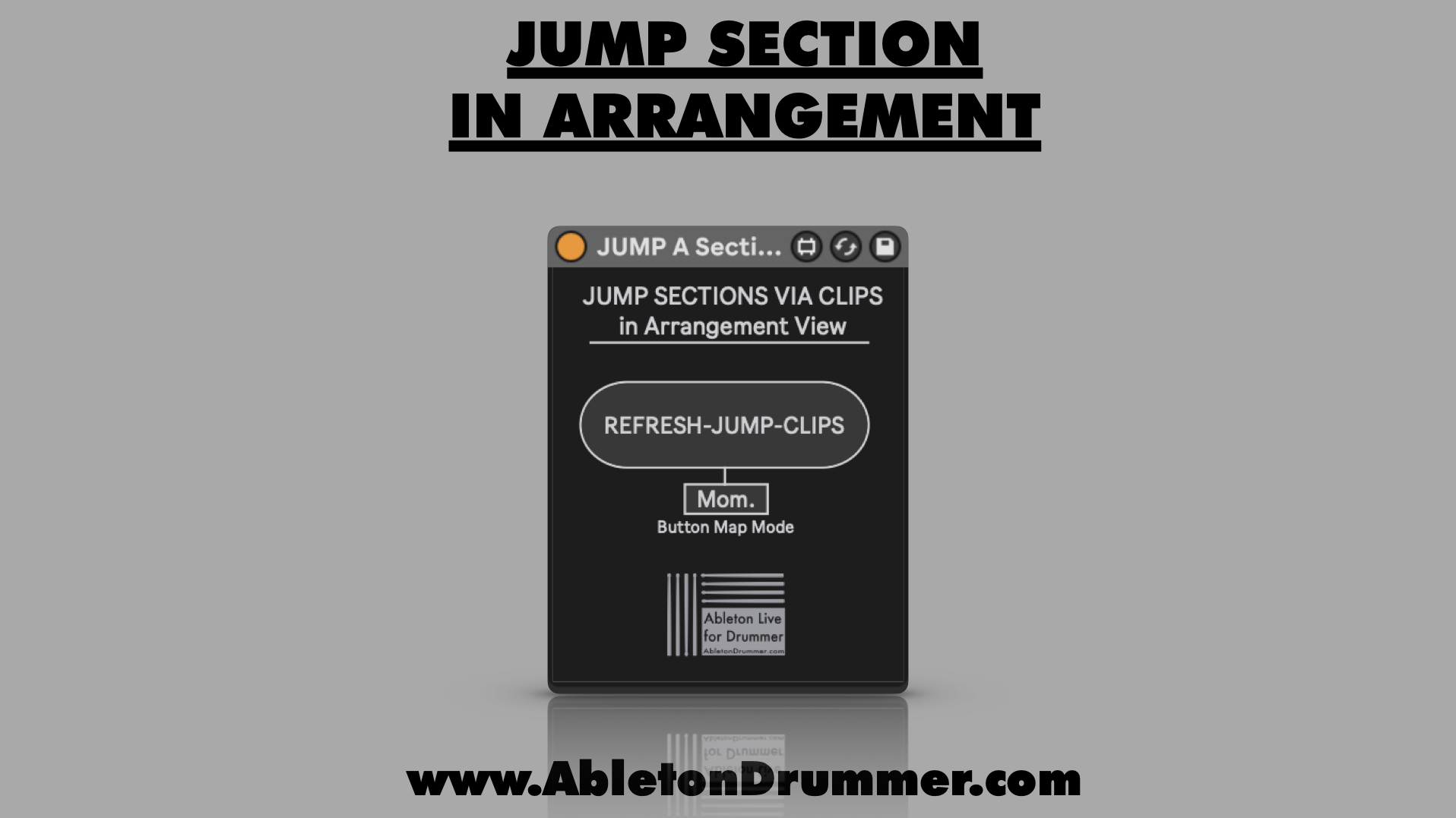
Overview
| Name | Version: | Jump Sections in Arrangement View 1.0 |
| Author: | AbletonKurse |
| Device Type: | MIDI Effect |
| Description: | Jump Sections in Arrangement View in Ableton - Max for Live device This Max for Live device lets you jump sections in Ableton Live's Arrangement View. You are able to set up MIDI CLIP to exclude parts from being played in Ableton's Arrangement which lets you quickly set up different non-destructive Re-Arrangements while producing in Ableton Live. Check out TobiBot for Questions on Ableton Live & Max for Live: https://blog.abletondrummer.com/ableton-support-chatbot/ Check out more Max for Live devices here: https://maxforlivedevices.com/ All Devices - https://maxforlivedevices.com/category/all-devices/ Collections - https://maxforlivedevices.com/category/collections/ Control - https://maxforlivedevices.com/category/control/ Free - https://maxforlivedevices.com/category/free-max-for-live/ Hardware - https://maxforlivedevices.com/category/hardware-control/ How To and FAQ - https://maxforlivedevices.com/category/faq MIDI Tools - https://maxforlivedevices.com/category/midi-tools/ Max for Live not only for drummers: https://blog.abletondrummer.com/free-max-for-live-devices/ How to install Max for Live devices: https://blog.abletondrummer.com/how-to-install-max-for-live-devices-in-your-user-library/ How to get Max for Live devices: https://maxforlivedevices.com/how-to-get-max-for-live-devices/ Frequently Asked Question and How To Max for Live: https://maxforlivedevices.com/category/faq/ |
Details
| Live Version Used: | 12.0.5 |
| Max Version Used: | 8.6.2 |
| Date Added: | Dec 17 2025 15:49:23 |
| Date Last Updated: | No Updates |
| Downloads: | 0 |
| Website: | https://blog.abletondrummer.com/automate-playback-exclusion-in-ableton/ |
| ⓘ License: | Commercial |
Average Rating
Log in to rate this device |
-n/a- |
Login to comment on this device.
Browse the full library