Device Details
Overview
| Name | Version: | SlideStack 2.0 |
| Author: | carlosbtlr |
| Device Type: | MIDI Transformation |
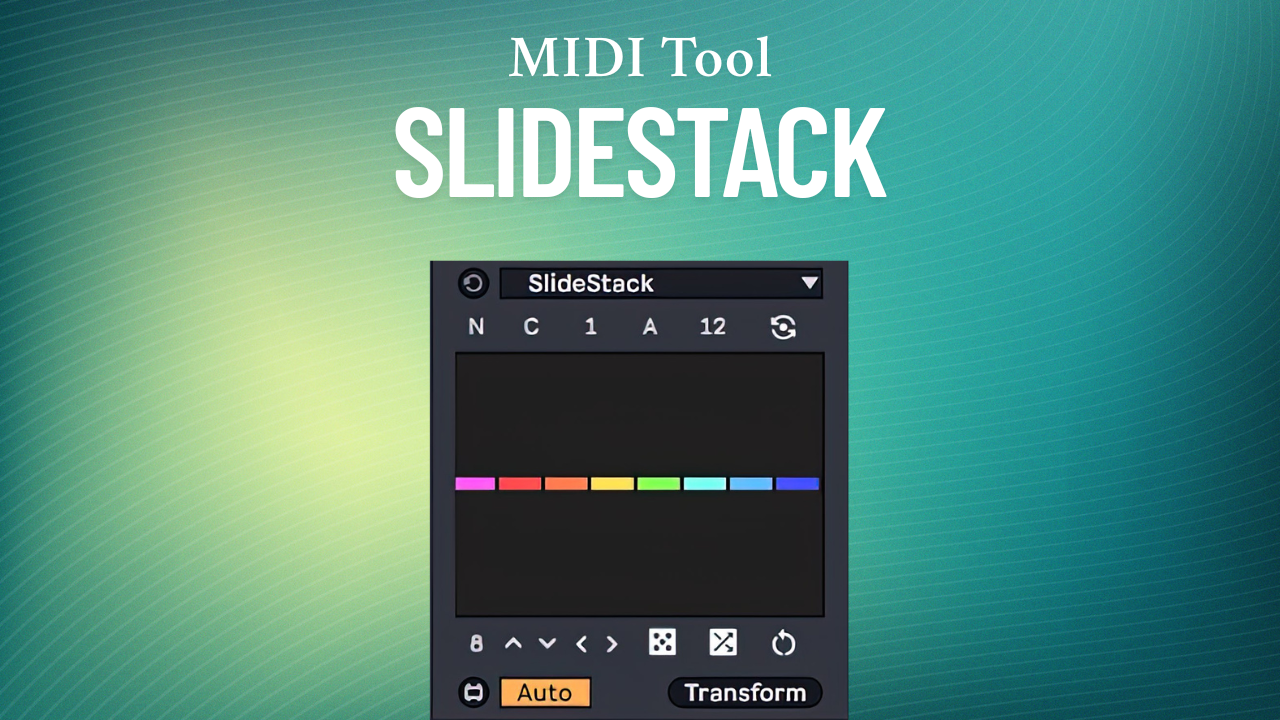
| Description: | SlideStack is a Max for Live MIDI transformation tool that lets you add polyphony to entire musical phrases one note at a time. It allows you to build entire harmonies and chord progressions from simple melodies or add additional polyphony to chord sequences from the ground up. Its multi-slider UI lets you edit up to 16 notes or chords simultaneously, allowing you to focus on the big picture instead of on isolated events. Step Sliders Add new polyphony notes for specific notes, chords, grid intervals or groups with the UI step sliders. The step sliders can be dragged vertically and horizontally to create complex sequences using broad, long scope gestures. The alt/option key can be used to reset individual sliders, the shift key can be used to adjust the sliders with higher precision, the ctrl/cmd key can be used to transpose all the slider values up or down simultaneously, and the ctrl+alt / cmd+option combo can be used to lock step sliders so that they’re not affected by UI changes. Grid/Note Mode Toggle Switch between per-note and interval based transformations. Use this to lock changes to Live's quantization grid. Custom Groups Dial in the number of notes you want to group together. Use this to make transformations to groups of notes. Additive/Subtractive Modes Choose whether you want to add or remove notes from the stack. Use this to control the amount of polyphony. Automatic Scale Awareness Get automatic scale awareness by just turning on Scale mode in Live. Use this to conform to Live’s scale and root. UI Controls Make fast variations with randomization, scrambling, rotation, shifting, reverse and flipping. Use this to try out new polyphonic variations. Offset Shift the starting point at which the transformation is applied. Use this to rotate the transformation back and forth. Wrap Mode This mode will make the transformation wrap across the selected notes when the number of notes is bigger than the number of sliders. Use this to have your transformation ripple across larger note selections. Minimum Requirements: - Ableton Live 12 - Max 9 |
Details
| Live Version Used: | 12.2 |
| Max Version Used: | 9 |
| Date Added: | Jun 11 2025 13:56:37 |
| Date Last Updated: | May 30 2026 14:16:37 |
| Downloads: | 1 |
| Website: | https://ko-fi.com/s/edef84bc1d |
| ⓘ License: | Commercial |
Average Rating
(1) Log in to rate this device |
1 |
Login to comment on this device.
Browse the full library